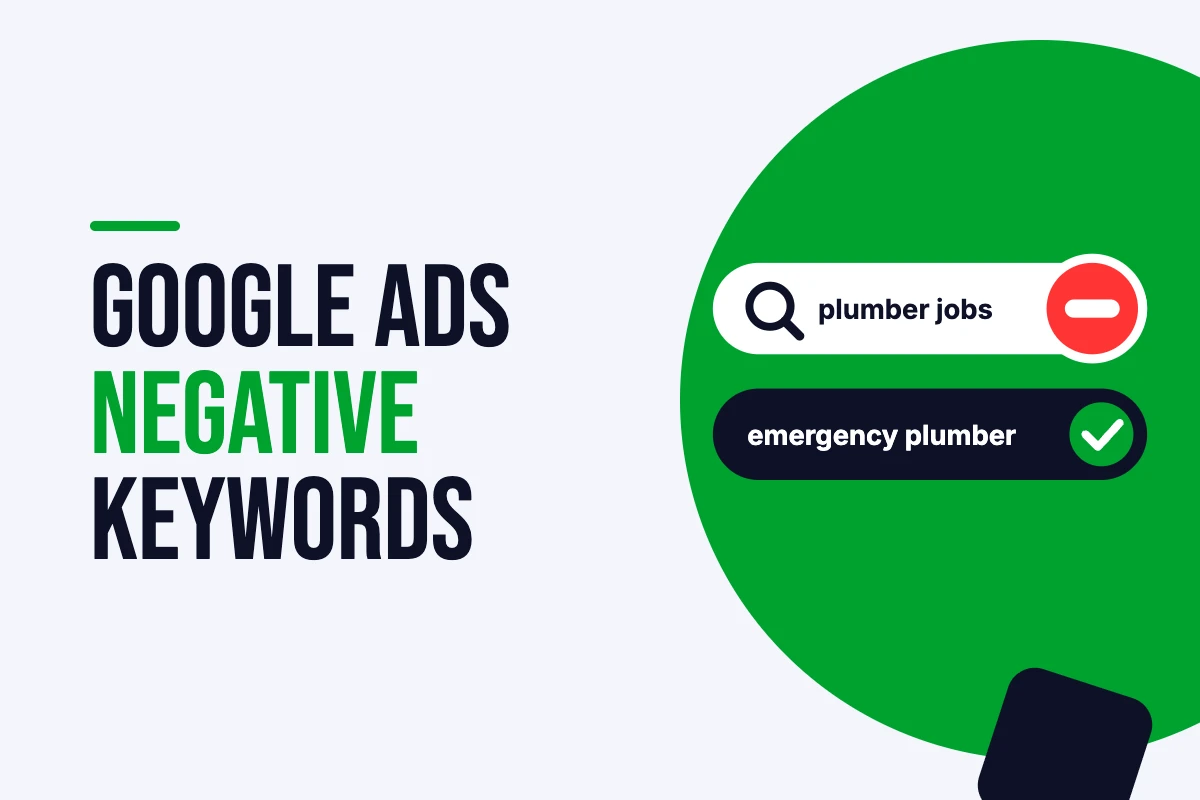


Open the search terms report on almost any cleaning company’s account and there’s a good chance you’ll find “cleaning jobs near me” somewhere near the top. That’s money spent on people who want to work for the business, not hire it.
That’s what missing Google Ads negative keywords look like. Not a dramatic failure, just a slow leak. Here’s how I find them, add them and keep on top of them.
What Google Ads negative keywords do
A negative keyword tells Google not to show your ad when a search contains that word or phrase. If you add “jobs” as a negative, your ad won’t appear for “plumber jobs London”, even if “plumber London” is one of your keywords.
Google Ads negative keywords matter more than ever because broad match and Performance Max both cast a wide net. Negatives are how you pull the net back in.
Negative match types work differently
This catches a lot of people out. Google Ads negative keywords don’t behave like normal keywords.
Negative broad match blocks searches that contain all of your negative words, in any order. A negative of “free quote” blocks “quote for free”.
Negative phrase match blocks searches that contain the exact phrase in that order, with other words around it.
Negative exact match blocks only that exact search, nothing more.
The other important difference: negatives don’t automatically cover plurals, misspellings or close variants. If you block “course”, you might also need “courses”.
Where to find them
The search terms report is your main source. I go through it weekly on newer accounts and at least monthly on settled ones. Sort by cost, not clicks, and start at the top.
Then I ask one question for each line: could this person realistically become a paying customer? If the answer is no, it becomes a negative. If it’s “sometimes”, I watch it for a few more weeks.
Keyword Planner is useful too. Before launching, I search my main keywords there and scan the suggestions for obvious junk I can block from day one.
My starter list for service businesses
Every account is different, but these themes come up in nearly every service business I work with:
Jobs and careers: jobs, careers, vacancies, hiring, salary, apprenticeship
Learning and DIY: how to, course, training, tutorial, DIY, YouTube
Free and cheap hunting: free, cheapest, second hand, used (unless you sell used)
Wrong intent: reviews of products, complaints, definition, meaning
Wrong place: towns and cities you don’t cover
For an emergency service like a car locksmith, I’d also add things like “key fob battery” and “how to unlock car”. They look relevant but almost never turn into a paid job.
Add your own: one line on the strangest search term you’ve found eating a client’s budget.
Campaign level, shared lists or account level?
Google gives you three places to put negatives, and using the right one saves time.
Campaign-level negatives suit exclusions that only apply to one campaign. For example, I keep emergency searches out of a planned-work campaign so the two don’t compete.
Shared negative keyword lists save repeating yourself. Build a “jobs and training” list once, then apply it to every campaign.
The account-level negative list blocks terms everywhere, including Performance Max. I keep it for things that should never trigger an ad anywhere, like jobs searches. Be careful with it, because it’s easy to block something useful across the whole account by mistake.
Google Ads negative keywords in Performance Max
This used to be a real gap. During 2025, Google rolled out campaign-level negative keywords for PMax, with up to 10,000 per campaign, along with a search terms report. Google’s help page on the PMax search terms report explains how it works.
One thing to remember: in PMax, negatives only apply to Search and Shopping inventory. They won’t stop your ads showing on YouTube or Display. For that, you need placement and brand exclusions. I cover the wider question in Performance Max vs Search.
Don’t overdo it
It’s possible to go too far. I’ve seen accounts where someone blocked “cheap” across the board, then wondered why volume dropped, because plenty of good customers search “cheap end of tenancy cleaning” and still pay a fair price.
Before adding a negative, check whether that word has ever produced a conversion. If it has, think twice.
Make it a habit
Google Ads negative keywords aren’t a one-off job. Search behaviour changes, Google expands matching, and new junk appears every month. Put a recurring reminder in your calendar.
If you’d like me to go through your search terms for you, start with a free Google Ads audit. It’s usually the fastest saving I can find. My audit checklist shows what else I look at.
FAQs
How many Google Ads negative keywords should I have? There’s no right number. A new local service account might start with 50 to 100 and grow from there.
Can negative keywords hurt performance? Yes, if you block searches that convert. Always check conversion history before adding a broad negative.